Your calendar fills itself.Calendly can clear its schedule.
Share a public booking page and guests pick a slot from your real availability, no back-and-forth emails required. Confirmations and cancellations are handled automatically, and every booking lands inside Workzuite next to the client and project it belongs to.
Your own booking page, live in minutes
Share one public link, just like a scheduling tool, and let clients pick a time that works for them. Set up event types with durations and buffers, then stop trading emails just to land on a date.
- A public link you can share anywhere, like a scheduling tool
- Event types with set durations and buffers between bookings
- No more back-and-forth emails just to agree on a time
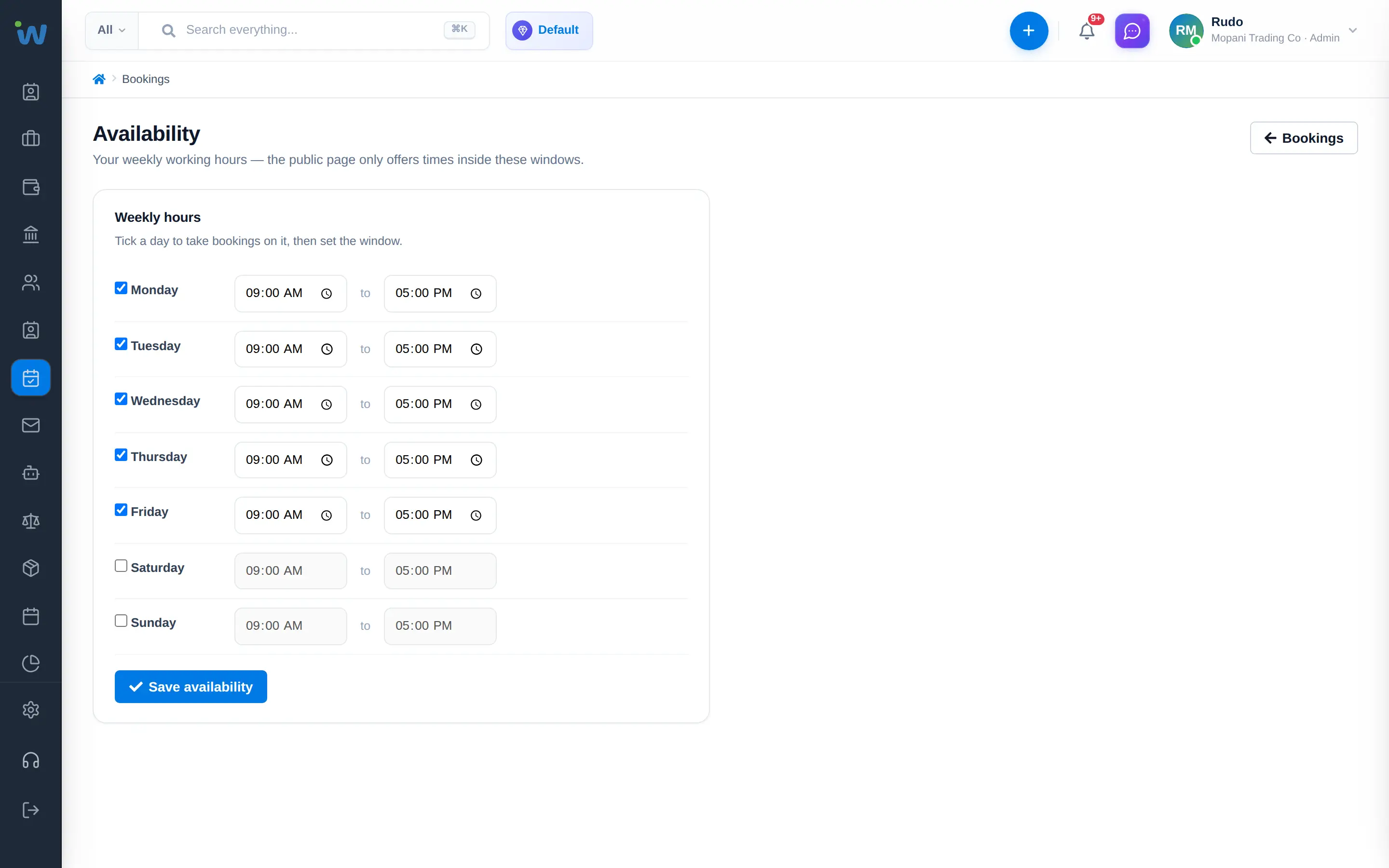
Availability you control, down to the hour
Set a weekly availability grid and working hours once, and Workzuite reads your calendar before it offers a slot. Double bookings simply cannot happen, and you can block out time the moment plans change.
- Weekly availability grid and working hours you set once
- No double bookings, Workzuite reads your calendar first
- Block out time instantly whenever your plans change
Everything you need to take bookings online.
Public booking links
One link to share on your site, in email, or on social, so anyone can find a time.
Event types & durations
Different services, different lengths, each with its own buffer either side.
Automatic confirmations
Every guest gets an instant confirmation, no manual reply needed from you.
Guest cancellations
Secure links let guests cancel or rebook themselves, without a phone call to you.
Calendar sync
Availability stays accurate because it syncs with your calendar inside Workzuite.
Linked to CRM clients
Every booking lands next to the right client record, no separate booking app to check.
Meet Zola, your Operations WorkMate.
Bookings keep arriving after you close for the day. Zola reviews new bookings from your public booking page, prepares for each appointment and follows up afterwards, so nothing slips between the booking and the invoice.
- Reviews new bookings as they arrive
- Prepares for each appointment from the customer record
- Follows up afterwards and raises the invoice as you